
Woodworking Curriculum for Schools
Maplewoodshop offers hands-on woodworking programs for youth aged 7-24, complete with lesson plans, project videos, safety training, tool guidance, and program resources — all in one place on our learning management platform!
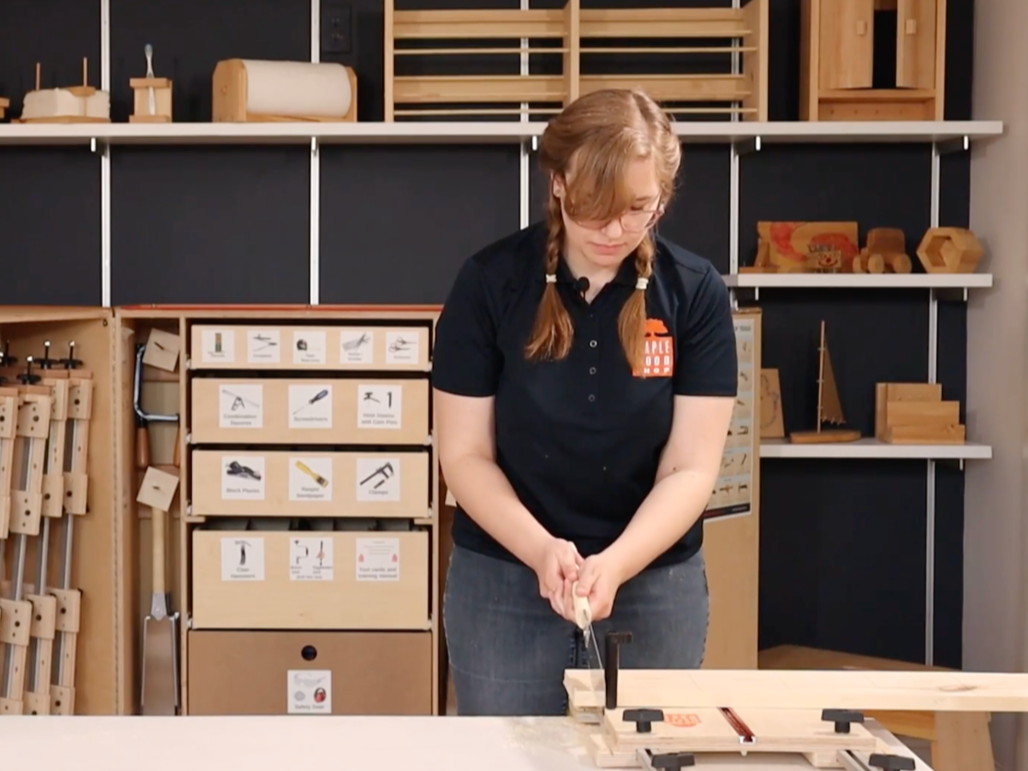
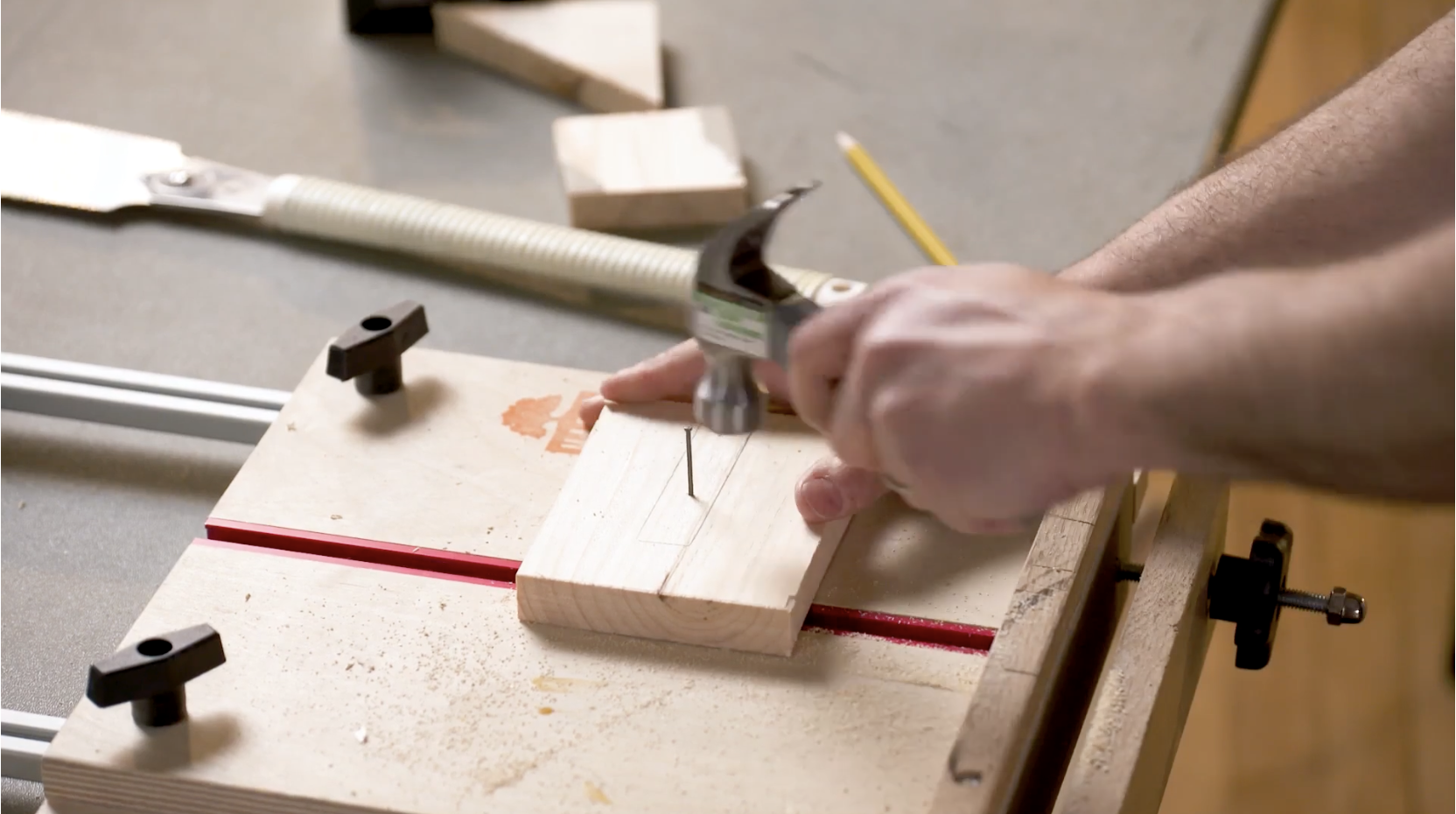
What's Included in the Curriculum
Our program is built to support teachers and facilitators at every stage, from first-time setup to day-to-day delivery.
Lesson Plans
Ready-to-use lesson plans help guide project facilitation, pacing, and instruction so your team can prepare with confidence.

Project Videos
Step-by-step videos make it easier to understand each build, support instruction, and prepare for upcoming sessions.

Safety Training
Access essential safety guidance and best practices to help create a safe and supportive hands-on learning environment.
Community Forum
Connect with other Maplewoodshop users, share ideas, ask questions, and learn from a broader community of partners.

Program Resources
Find helpful materials related to setup, planning, implementation, and overall program success.

Tool Use Guidance
Review tool introductions, demonstrations, and instructional support to help staff and facilitators feel more comfortable leading builds.

How the Program Works
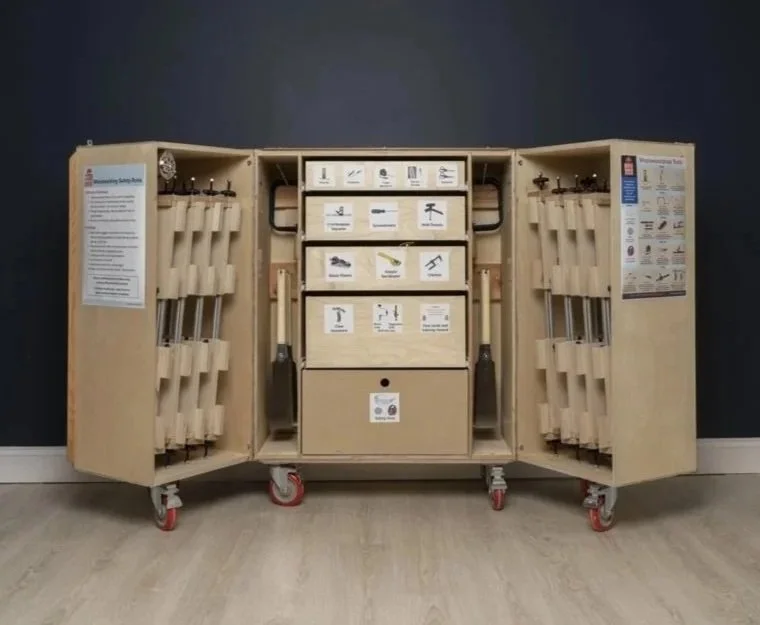
Once your organization purchases a qualifying program, your team will receive access to the learning management platform and its related resources.
Purchase a qualifying Maplewoodshop Program
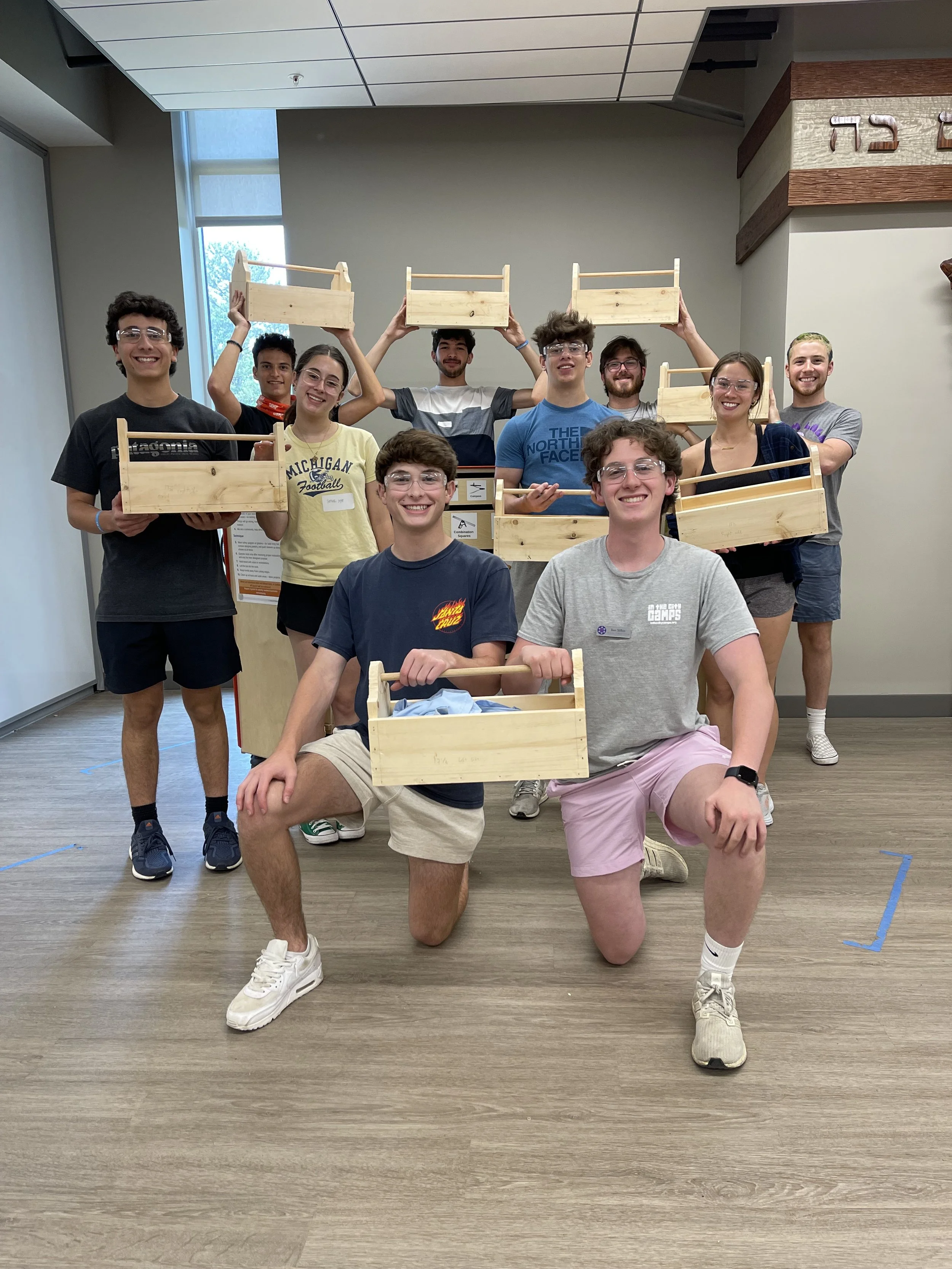
Receive Access + Register
Your Instructors
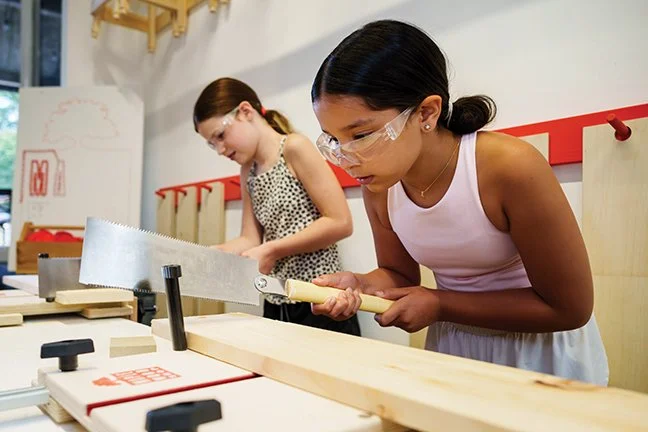
Use our learning platform to Support Onboarding, Planning, + Implementation

Revisit Resources Throughout the Year as Needed
What is the Maplewoodshop LMS?
Maplewoodshop uses Thinkific as its Learning Management System (LMS) to support program partners with the resources they need to implement with confidence.
The LMS serves as a central hub for lesson content, project support, safety training, tool-use guidance, and additional program materials. Access is provided to customers as part of qualifying Maplewoodshop program offerings.
How Our Partners Use Thinkific
The platform is designed to be practical, flexible, and easy to use throughout the year. Partners often use our learning platform to support both preparation and day-to-day program delivery.
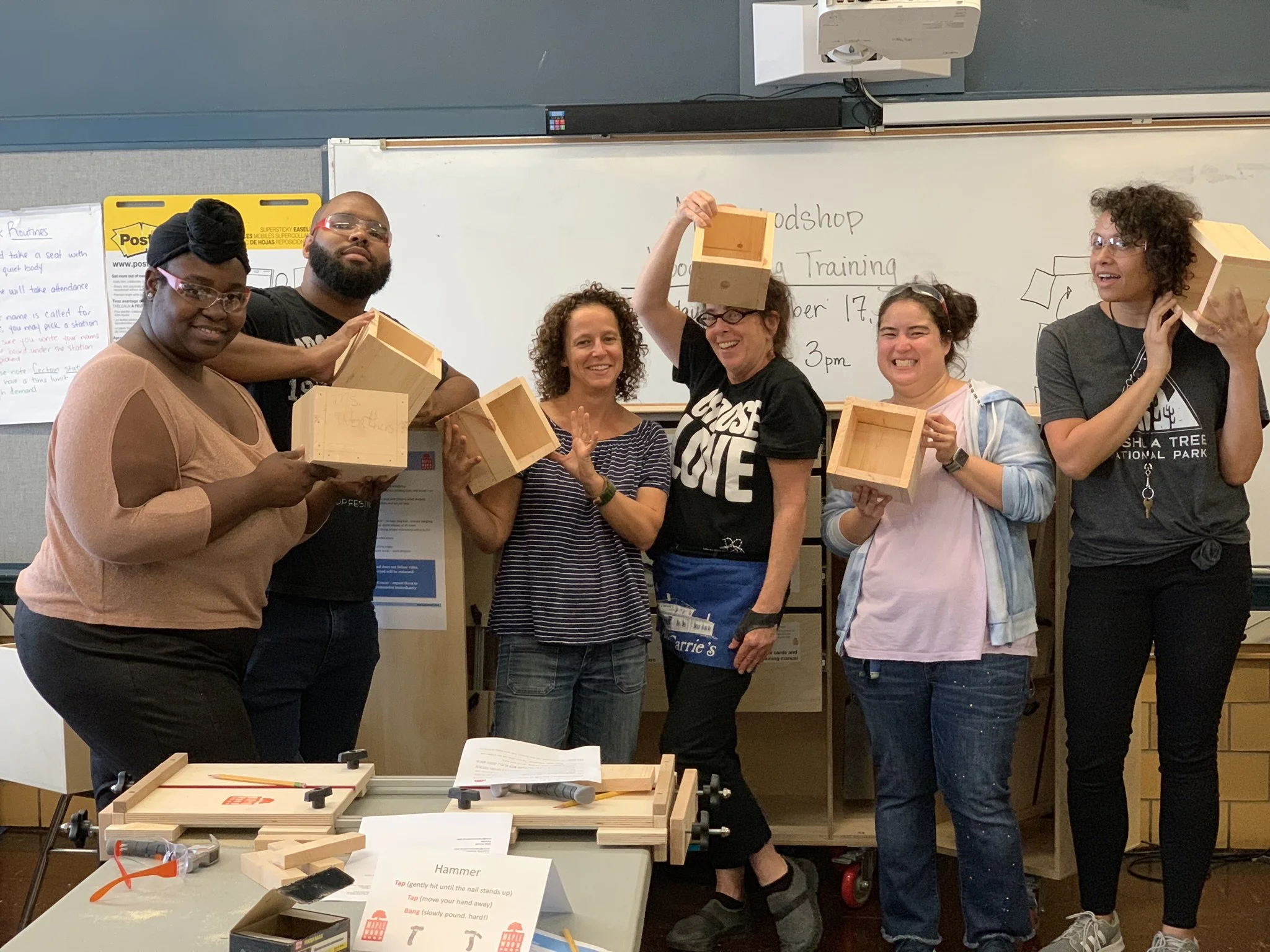
Review lesson plans before a class or workshop.

Watch project videos to prepare for a build.
Onboarding new teachers, facilitators, or seasonal staff.
Refreshing safety procedures and tool-use expectations.
Revisiting materials mid-year for added support.
Asking questions and sharing ideas through the community forum.
Want to See if Maplewoodshop Is Right for You?
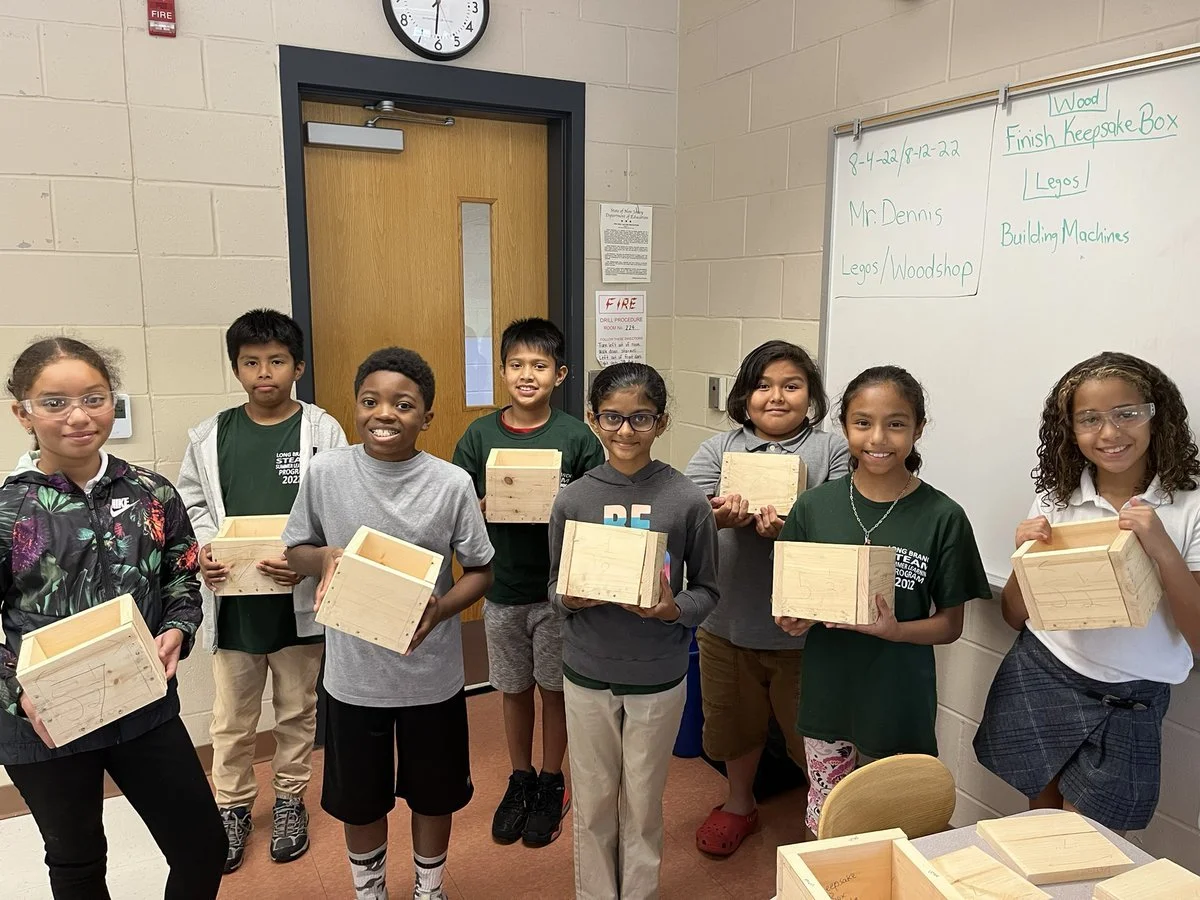
Download our free Keepsake Box project lesson plan to see how Maplewoodshop helps students practice measurement, tool use, sequencing, problem-solving, and hands-on building.
Frequently Asked Questions
-
Customers can log into the Maplewoodshop LMS through Thinkific using their provided access information.
-
Access depends on the program package or support level selected. Contact the MWS team for details about your access.
-
Yes! Simply reach out to the Maplewoodshop team to help you onboard more staff.
-
The platform includes lesson plans, project videos, safety training, tool-use guidance, program resources, and community support features.
-
Yes. The platform is a great tool for onboarding new team members and helping returning staff refresh their knowledge.
-
If you need access support or have platform questions, contact sales@maplewoodshop.com