Your Maplewooshop Program Hub
Access curriculum and lesson plans, project videos, safety training, tool guidance, and program resources — all in one place on our Thinkific platform!
What is the Maplewoodshop LMS?
Maplewoodshop uses Thinkific as its Learning Management System (LMS) to support program partners with the resources they need to implement with confidence.
The LMS serves as a central hub for lesson content, project support, safety training, tool-use guidance, and additional program materials. Access is provided to customers as part of qualifying Maplewoodshop program offerings.
How Access Works
Access to Thinkific is available to Maplewoodshop customers as part of your program package. Once your organization purchases a qualifying program, your team will receive access to the platform and its related resources.
Purchase a qualifying Maplewoodshop Program
Receive Access + Register
Your Instructors
Use Thinkific to Support Onboarding, Planning, + Implementation
Revisit Resources Throughout the Year as Needed
Everything You Need, All In One Place
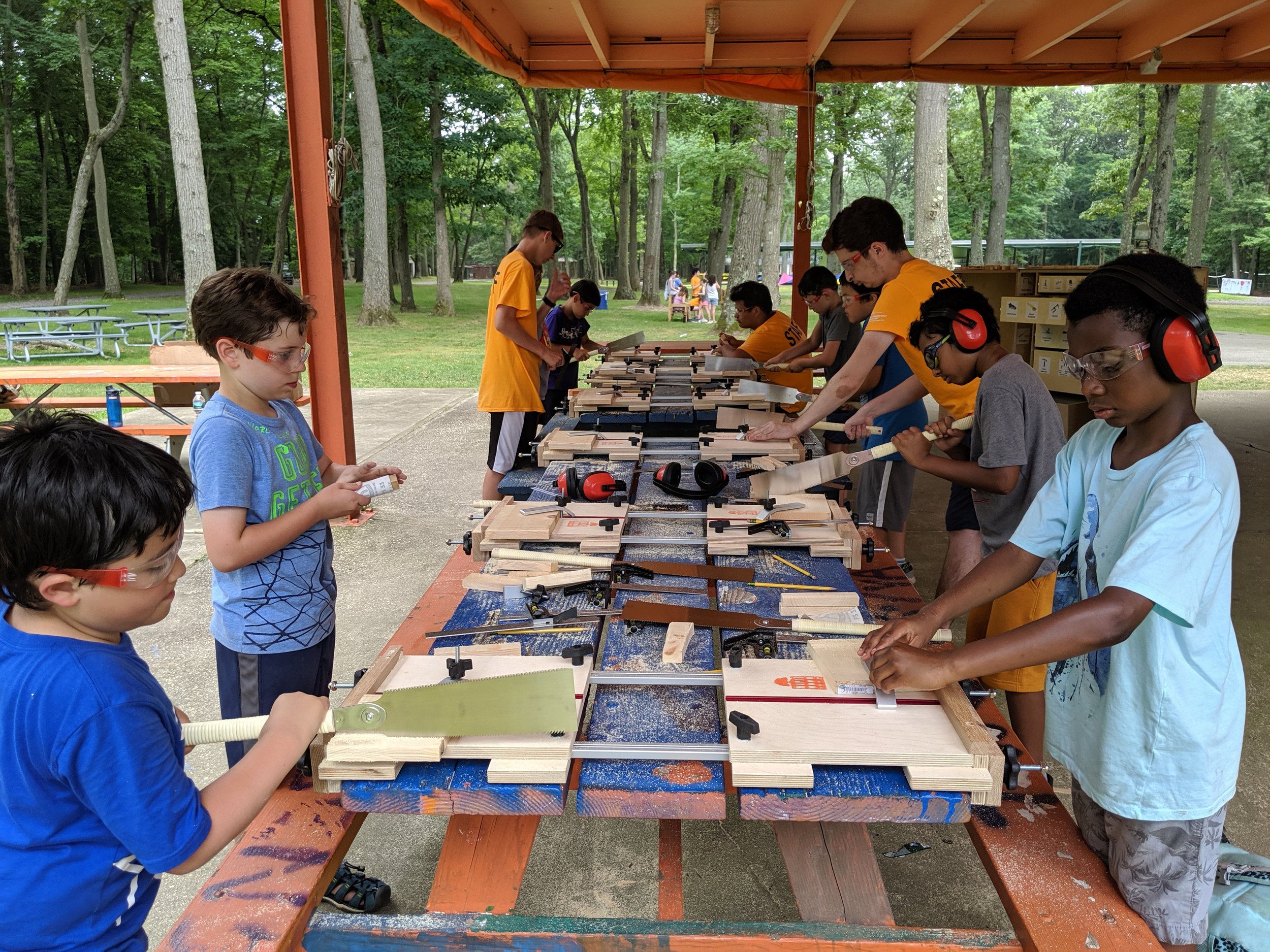
Inside the MWS LMS on Thinkific, you’ll find the core resources that support teaching, planning, and program implementation.
Lesson Plans - Ready-to-use lesson plans help guide project facilitation, pacing, and instruction so your team can prepare with confidence.
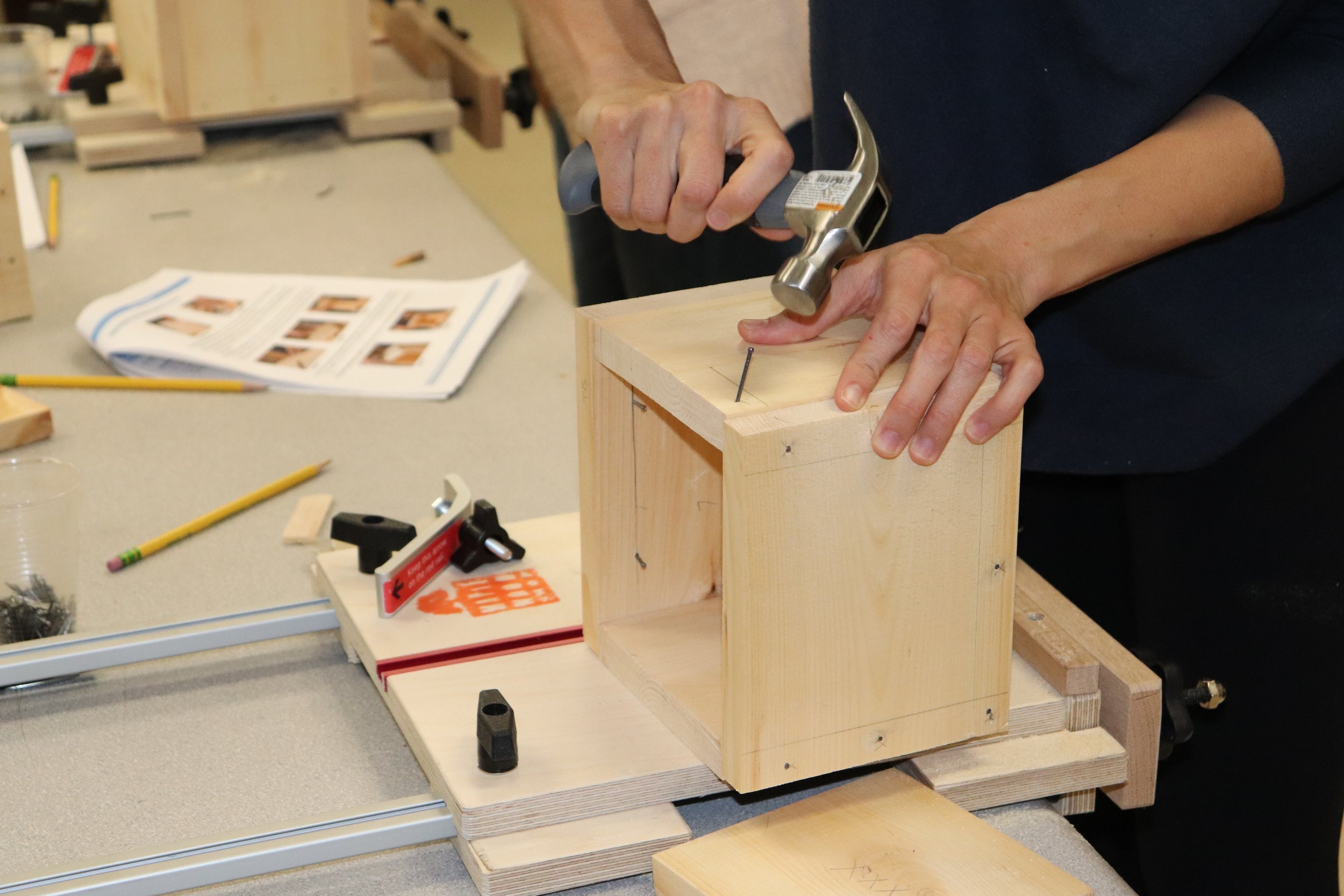
Project Videos - Step-by-step videos make it easier to understand each build, support instruction, and prepare for upcoming sessions.
Safety Training - Access essential safety guidance and best practices to help create a safe and supportive hands-on learning environment.
Tool Use Guidance - Review tool introductions, demonstrations, and instructional support to help staff and facilitators feel more comfortable leading builds.
Program Resources - Find helpful materials related to setup, planning, implementation, and overall program success.
Community Forum - Connect with other Maplewoodshop users, share ideas, ask questions, and learn from a broader community of partners.
How Our Partners Use Thinkific
The platform is designed to be practical, flexible, and easy to use throughout the year. Partners often use Thinkific to support both preparation and day-to-day program delivery.
Review lesson plans before a class or workshop.
Watch project videos to prepare for a build.
Onboarding new teachers, facilitators, or seasonal staff.
Refreshing safety procedures and tool-use expectations.
Revisiting materials mid-year for added support.
Asking questions and sharing ideas through the community forum.
Log In
〰️
Learn
〰️
Build
〰️
Log In 〰️ Learn 〰️ Build 〰️
Frequently Asked Questions
-
Customers can log into the Maplewoodshop LMS through Thinkific using their provided access information.
-
Access depends on the program package or support level selected. Contact the MWS team for details about your access.
-
Yes! Simply reach out to the Maplewoodshop team to help you onboard more staff.
-
The platform includes lesson plans, project videos, safety training, tool-use guidance, program resources, and community support features.
-
Yes. The platform is a great tool for onboarding new team members and helping returning staff refresh their knowledge.
-
If you need access support or have platform questions, contact sales@maplewoodshop.com